 dd
ddTL;DR
In the agent era, development needs reproducible, isolated environments — every tool at hand, near-zero overhead, no VM. dd’s goal is a universal interpreter for every architecture: isolated by default, run anything on any OS or chip, fast (roadmap). Today: Docker containers on Apple-Silicon macOS, no Linux VM — a container is a normal macOS process, a userspace kernel serves its syscalls; one engine, three runtimes (Linux arm64 native, x86-64 via JIT, macOS arm64). Drop-in docker context, MIT, alpha.
If you run containers on a Mac, you've probably made quiet peace with a background Linux VM. Docker Desktop boots one. So do Colima and OrbStack. It starts when your Mac wakes, holds onto a few gigabytes of RAM whether you're using it or not, and keeps ticking on the train while you're not running anything at all.
None of those tools is doing it wrong — a VM has been the only practical way to run Linux containers on macOS. But it's a tax you pay all day, not just when you're working. I got tired of paying it, so I spent a while building dd to try a different approach:
A container is just a process with a different view of the system. So run it as one — not inside a virtual machine.
This is a short writeup of why I think the VM is worth dropping, how dd drops it without breaking what makes a container a container, and the numbers I measured — including the parts where it loses.
What the VM costs you every day
Most of the small daily annoyances of containers-on-a-Mac trace back to one thing: the always-on VM in the middle.
virtiofs/FUSE bridge. Big repos and hot-reload feel laggy — that's the sync boundary, not your code.Docker.raw balloons and doesn't shrink when you delete images; reclaiming the space is its own chore.Remove the VM and that list doesn't get shorter — it goes away. A container becomes a normal macOS process: no RAM held when idle (it's freed on exit), nothing to boot, bind mounts straight to the real filesystem, ports straight to host sockets. And because it's a plain process, it shows up in Activity Monitor like anything else.
How it works
The trick, in one sentence: a container doesn't need Linux, it needs the Linux kernel interface. The code in an image is just normal compute. The only thing that makes it "Linux" is that, now and then, it asks the kernel for something — open a file, bind a socket, fork. Those are syscalls.
So dd runs the container's compute as native Apple-Silicon code, and answers every syscall in userspace with code that is the kernel — namespaces, image layers, the network stack are just data structures in a normal Mac program. (If that sounds familiar, it's the gVisor / PRoot lineage, aimed at the desktop instead of the server.)
| dd — process | VM-based Docker | |
|---|---|---|
| Idle RAM | None, freed on exit | Gigabytes, always on |
| Startup | Process spawn | Boot a Linux VM + daemon |
| Bind mounts | Direct host FS | virtiofs/FUSE bridge |
| Ports | Host sockets | Through VM NAT |
| Observability | A normal process | An opaque box |
arm64 images run as native code. x86-64 images go through a JIT that rewrites x86 into arm64 the first time a block runs and reuses it after — the same idea as a language VM, applied to machine code. Most of the work is in the details: chaining hot blocks so they never return to the dispatcher, mapping guest returns onto the CPU's real return predictor, and serving the syscalls a container hammers (stat, path lookups, clock_gettime) inline so they never cross to the host.
Is it actually fast?
Ten workloads, the same static binary timed two ways, median of 7. For x86-64 images the fair comparison is the same binary emulated by qemu inside a VM — what VM-based Docker falls back to for cross-arch images. dd's JIT wins 9 of 10, hugely on floating-point:
| x86-64 workload | qemu in a VM | dd (no VM) | dd vs VM |
|---|---|---|---|
| float n-body | 5.18s | 0.20s | 26× faster |
| matrix multiply | 8.08s | 0.65s | 12× faster |
| mandelbrot | 7.62s | 0.81s | 9.4× faster |
| SQLite (600k) | 2.88s | 0.73s | 4.0× faster |
| qsort | 3.86s | 1.36s | 2.8× faster |
| memcpy | 2.30s | 0.92s | 2.5× faster |
| int sieve | 1.26s | 0.63s | 2.0× faster |
| text scan (wc/grep) | 1.36s | 0.88s | 1.6× faster |
| SHA-256 | 2.60s | 1.83s | 1.4× faster |
| base64 | 4.10s | 4.71s | 1.15× slower |
For arm64 images there's no emulation to beat — it's native either way, so the bar is a native Linux VM, the hardest one. dd is at or above parity on compute and the honest losses are allocation/syscall-heavy work:
| arm64 workload | native VM | dd (no VM) | dd vs VM |
|---|---|---|---|
| int sieve | 0.74s | 0.48s | 1.55× faster |
| mandelbrot | 0.76s | 0.74s | 1.03× faster |
| matrix multiply | 0.63s | 0.64s | ~parity |
| memcpy | 0.53s | 0.54s | ~parity |
| base64 | 0.65s | 0.65s | ~parity |
| float n-body | 0.16s | 0.17s | ~parity |
| SHA-256 | 0.77s | 0.80s | ~parity |
| qsort | 0.79s | 1.05s | 1.33× slower |
| text scan (wc/grep) | 0.49s | 0.66s | 1.35× slower |
| SQLite (600k) | 0.35s | 0.52s | 1.48× slower |
The remaining gaps are SQLite (~1.5×) and qsort (~1.3×) — a userspace kernel pays for indirect-branch dispatch and every syscall. Recent passes (return-prediction off + stealing two host registers) already took SQLite from ~1.9× to ~1.5×; closing the rest is the frontier I'm on (a throughput-bound server like redis still loses ~3× today). I'd rather show it than hide it.
Numbers measured, median of 7 on Apple Silicon; reproduce with make bench. Every workload is sized to run ≥0.45s, so the harness's small per-run bridge tax is negligible.
What you get today
It’s a single native macOS app. It runs the daemon in the background, shows your containers, images, networks and volumes at a glance, and lets you point Docker at dd from inside the app — no config files, no sudo.
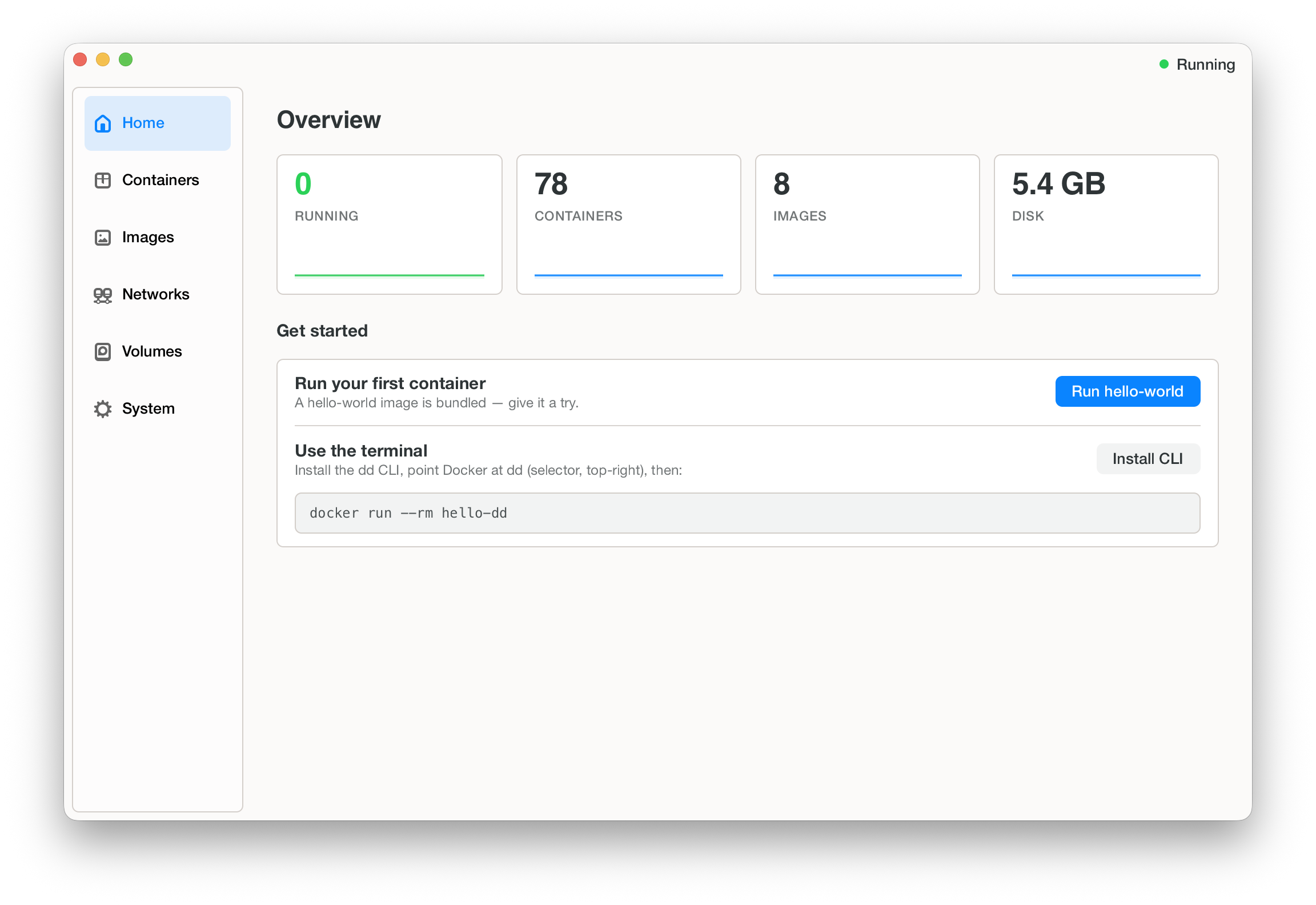
After that, it’s the Docker you already know:
- Pick the Docker context — choose
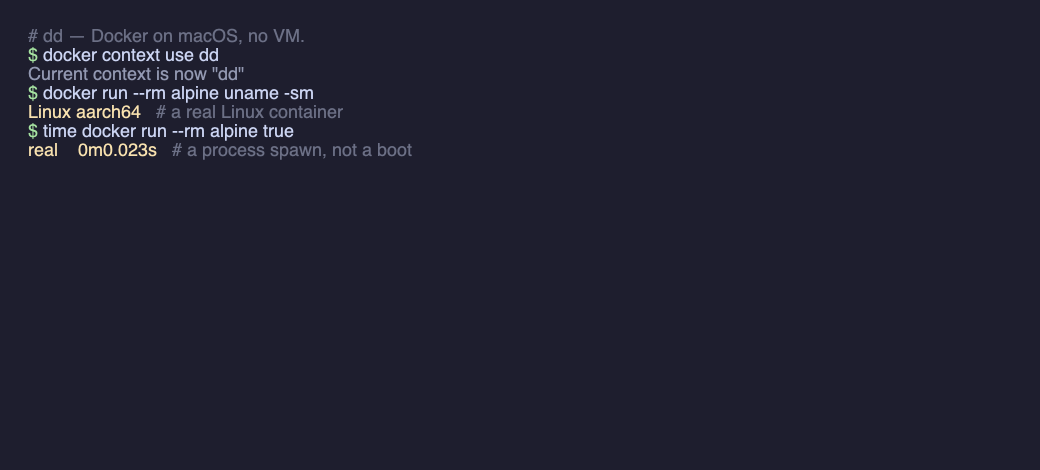
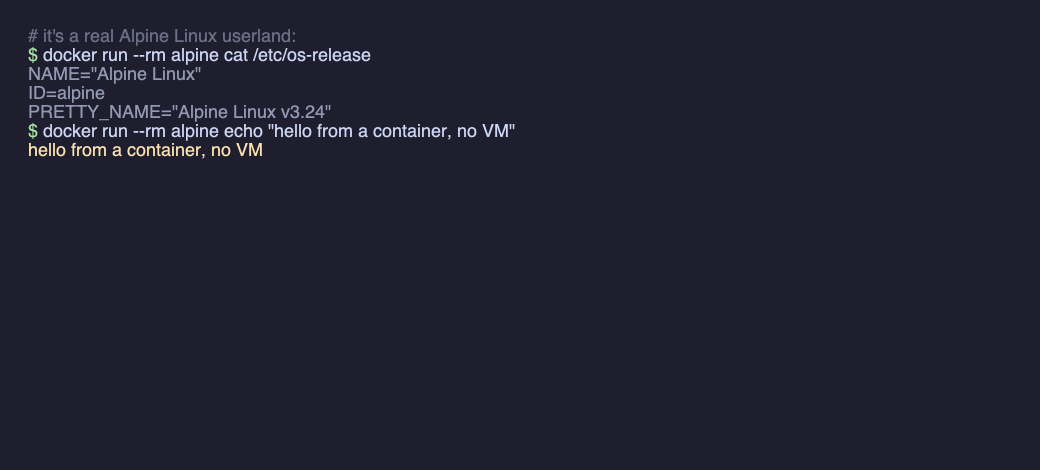
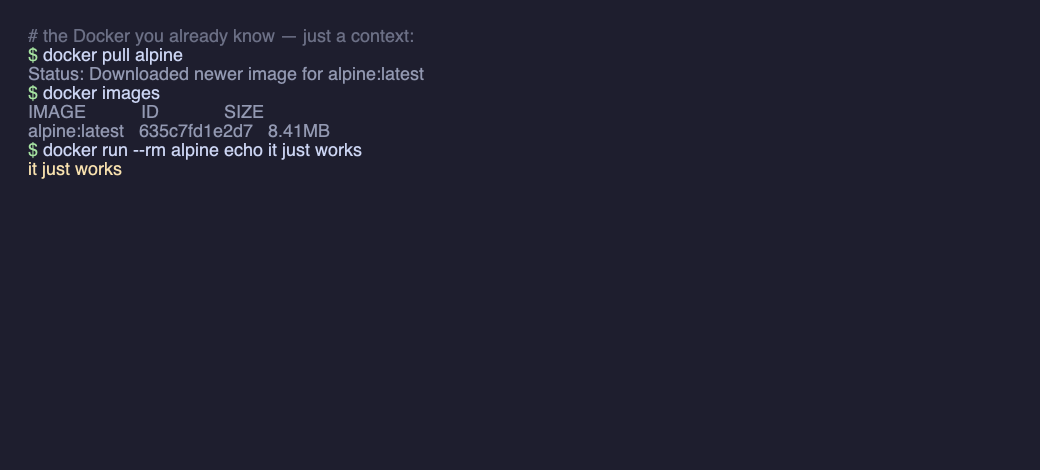
ddright in the app, and your CLI talks to the no-VM runtime. dockerworks as usual —docker run / ps / build / composeand your existing images, unchanged. dd is just adocker context, not a new tool to learn — and startup is a process spawn (~0.02s), not a boot. Run x86 images too with--platform linux/amd64.ddclifor the terminal — install the CLI for scripts and CI;ddcli maceven drops you into a real isolated macOS shell — the kernel is just userspace code, not only a Linux one, so JVM / Node / .NET that JIT at runtime work too.
The honest trade-off
A userspace kernel is only as complete as the syscalls it implements, and by default dd runs the guest in one process — a great fit for code you trust (your dev environment, CI, your own tools). For untrusted code there's now an opt-in sentry split (DDJIT_UNTRUSTED): the guest runs in a deny-default Seatbelt sandbox with no host fs/net authority, while a trusted sentry process owns the real resources and serves its syscalls across a shared-memory ring — the gVisor shape, on the desktop. It's early — the core file syscalls (read/write/open/close/lseek) forward today; sockets/exec/fork are landing — so I won't pretend it matches a VM yet: for fully hostile code a VM still exposes a narrower attack surface. (Default path is unchanged: gate off, byte-identical to before.) And it's all still alpha — some images are flaky run-to-run.
Give it a try
Apple-Silicon Macs, macOS 12+. One self-contained app — UI, the ddcli tool and the runtime. Free and open source (MIT). After that it's just docker.
If you try one thing: install dd, run a container, and open Activity Monitor. There's no VM in the list — just your container, as a process.
Alphadd is early alpha software and expected to break. Some images run flaky run-to-run, syscall-heavy and server workloads are slower than a VM today, and features are still landing — use it for tinkering, dev environments and CI, not production. If something breaks (it will), please open an issue.
Thanks for reading. If you try it and something breaks (it will), I'd genuinely like to hear about it — email me or open an issue on GitHub.
— Richard Hutta